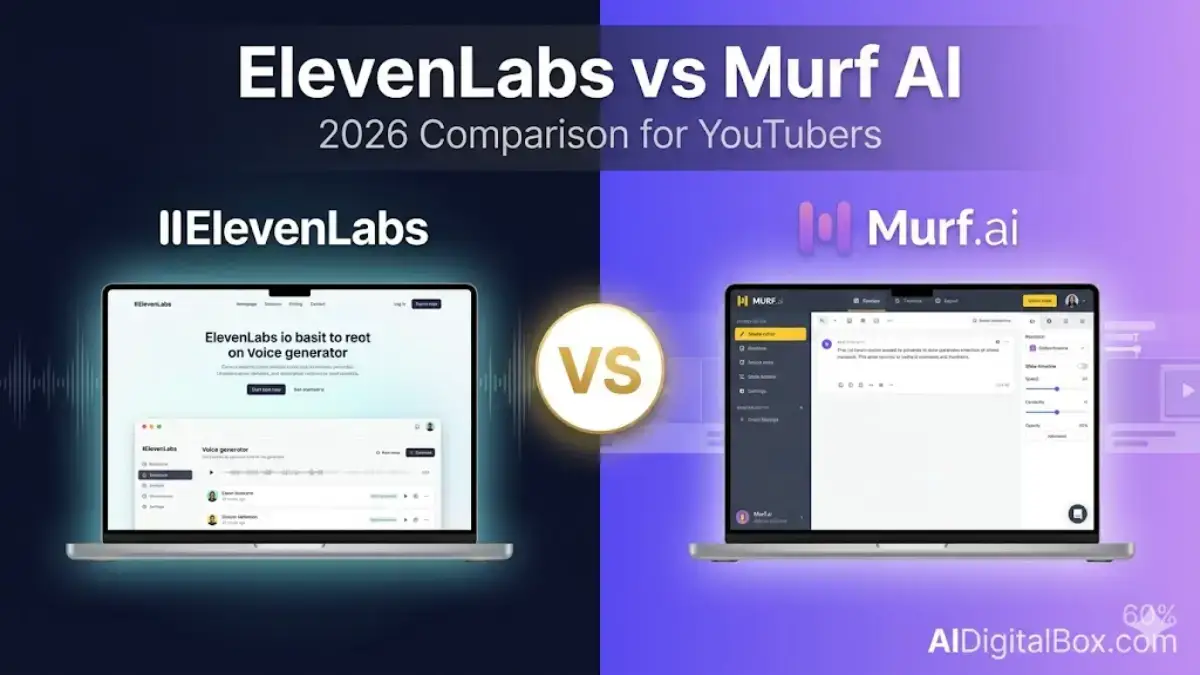
Around 2 million creators now use AI voice tools every month, and most of them are stuck choosing between the same two names. So when a friend asked me which one she should pay for before launching her faceless YouTube channel, I decided to stop guessing and actually test both side by side. This ElevenLabs vs Murf AI breakdown is what came out of three weeks of real scripts, real exports, and a slightly painful credit card statement.
You’ll get the honest voice-quality comparison, the real 2026 pricing (not the marketing-page fluff), and a clear answer on which tool actually fits a YouTuber’s workflow. Plus a few things both companies don’t put on their landing pages.
Let’s get into it.
Quick Verdict: ElevenLabs vs Murf AI at a Glance
Short on time? Here’s the gist before we go deep.
| What you care about | Winner |
|---|---|
| Most natural-sounding voice | ElevenLabs |
| Voice cloning your own voice | ElevenLabs (by a mile) |
| Slide-to-voiceover sync (PowerPoint, Canva) | Murf AI |
| Lowest entry price | ElevenLabs ($5/mo Starter) |
| Fastest API for voice agents | Murf AI (Falcon, 55ms) |
| Best for solo YouTubers | ElevenLabs |
| Best for marketing teams | Murf AI |
So if you’re a YouTuber reading this, you can probably stop here and pick ElevenLabs. But if you want to know why, and especially when Murf actually wins, keep reading.
What Is ElevenLabs?
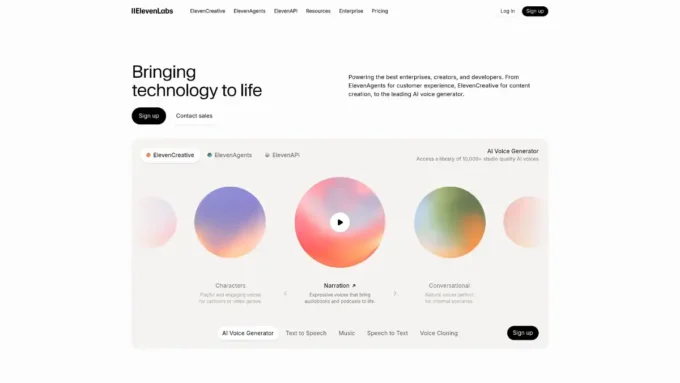
ElevenLabs is the voice AI platform that basically reset what people expected from text-to-speech. It launched in 2022, founded by Piotr Dabkowski (ex-Google) and Mati Staniszewski (ex-Palantir), and within two years it became the default voice tool inside half the AI apps you’ve probably used.
The platform does text-to-speech, instant voice cloning, professional voice cloning, AI dubbing across 29+ languages, sound effects, and conversational voice agents. Pretty much anything audio-shaped.
What makes it different? Realism. The voices have rhythm, breath, and small imperfections that make them feel alive. Other tools polish their output until it sounds like a podcast intro. ElevenLabs lets the voice actually breathe, and you’ll hear the difference within ten seconds of testing.
It’s the tool I’d hand to a creator who cares about the audience staying through the whole video.
What Is Murf AI?
Murf AI is older and more polished, in a corporate sort of way. Founded in 2020 in India and the US, it now serves over 1 million users across 100+ countries, with a heavy presence in marketing, e-learning, and L&D departments.
Instead of being purely a voice engine, Murf is built like a studio. You get a timeline editor, slide sync with PowerPoint and Canva, AI dubbing in 44+ languages, and the brand-new Falcon API that hit the market in November 2025 with the fastest TTS latency anyone’s published (55ms, ahead of even ElevenLabs’ Flash model).
Here’s the thing though. Murf’s voices are good. Often very good. But they sound produced. Think corporate explainer rather than indie podcast. That’s a feature for some users and a deal-breaker for others.
If ElevenLabs feels like an audio platform with creator tooling on top, Murf feels like a workflow platform with a voice engine inside.
ElevenLabs vs Murf AI: Voice Quality, Tested
I ran the same 500-word script through both tools using their flagship male and female voices. The script was a mix of casual narration and one emotional moment, which is where AI voices usually fall apart.
ElevenLabs handled the emotional beat better. The pause before the punchline felt natural, not stitched together. The Multilingual v2 model, on the Creator plan, gave me audio that I could’ve dropped straight into a YouTube edit without a second pass.
Murf was clean, well-paced, and consistent. But the emotional beat sounded like a news anchor reading a slightly sad story. Professional, sure. Believable as your YouTube narrator? Not really.
For non-English content, the gap closes. Both tools handle Hindi, Spanish, French, and German well, although ElevenLabs covers more languages overall (32+ vs Murf’s 35+ counted differently — both around the same range).
One small but honest point: Murf nails pronunciation accuracy at 99.38% on its Gen 2 model, which the company has tested across 4,710 words. So if your script has lots of technical terms, brand names, or unusual spellings, Murf actually messes up less often. ElevenLabs occasionally trips on uncommon proper nouns and you’ll have to use the phonetic editor to fix them.
Net verdict on voice quality: ElevenLabs for personality, Murf for consistency.
Feature-by-Feature Showdown
This is where the two platforms separate fast.
Voice Cloning
ElevenLabs offers Instant Voice Cloning starting on the $5 Starter plan, and Professional Voice Cloning on the $22 Creator plan. You upload a clean recording, wait a few minutes, and you’ve got your own voice ready to narrate scripts you didn’t actually record.
Murf does offer voice cloning, but it’s locked to the Business plan (~$66/month annual) and requires a longer audio sample plus a 24–48 hour processing window. For most YouTubers, this alone settles the ElevenLabs vs Murf AI voice cloning debate.
Editor and Workflow
Murf wins this one cleanly. Its browser editor lets you drop a PowerPoint, Google Slide, or video file onto a timeline and sync narration to specific scenes. You can adjust pacing visually, add background music from an 8,000-track library, and hand the project off to a teammate without exporting anything.
ElevenLabs has a Studio mode that’s improved a lot in 2026, but it’s still primarily an audio-first tool. You generate clips, download them, and edit elsewhere.
Languages and Dubbing
Both support multilingual output. ElevenLabs’ AI Dubbing keeps the original speaker’s voice and emotion across 29+ languages, which is genuinely impressive when you hear it. Murf’s dubbing is solid for 44+ languages but feels more “voiceover” than “translation.”
API Access
ElevenLabs has had an API since launch. Murf’s API was historically locked behind Business, but the Falcon model now offers pay-as-you-go API access at $0.01/minute, with sub-130ms time-to-first-audio. So if you’re building a voice agent or live narrator, Murf is suddenly very competitive on the developer side.
Integrations
Murf wins here too. Native plugins for Canva, PowerPoint, Google Slides, and a developer SDK. ElevenLabs leans on its API and third-party tools instead.
Pricing Comparison: ElevenLabs vs Murf AI
Pricing is where most YouTubers actually make this decision, so let me lay it out honestly.
ElevenLabs (USD, monthly):
- Free: 10,000 credits (~10 min), no commercial rights
- Starter: $5 (~30 min, commercial rights, instant voice cloning)
- Creator: $22 ($11 first month, ~100 min, Professional Voice Cloning, 192kbps audio)
- Pro: $99 (~500 min)
- Scale: $330, Business: $1,320
Murf AI (USD, monthly):
- Free: 10 min, no downloads, no commercial rights
- Creator: $19 annual ($29 monthly billing) — 2 hrs/month effectively
- Business: $66 annual ($99 monthly) — voice cloning, 8 hrs/month
- Enterprise: custom
For a YouTuber putting out 4–6 videos a month at 6 minutes each, ElevenLabs Creator at $22 is enough. Murf Creator at $19 also works, although you can’t clone your voice on it. So if voice cloning matters even slightly, Murf forces you to jump to the $66 Business plan.
Quick India note: both tools bill in USD. At current exchange rates, ElevenLabs Creator works out to roughly ₹1,850/month and Murf Business to ~₹5,500/month. ElevenLabs is meaningfully friendlier on Indian creator wallets.
Annual billing on both saves around 17%, which is worth taking once you’ve decided.
Honest take? ElevenLabs gives you more value per dollar at the entry tier. Murf earns its price only when you need the editor.
Hands-on: Building a YouTube Voiceover with Both
I built the same 4-minute video twice. Same script, same b-roll. Different tool.
With ElevenLabs, I cloned my voice using a 90-second sample, generated the script in three takes (around 11 minutes total), downloaded the WAV, and dropped it into Premiere. Total time from script to audio in timeline: about 18 minutes.
With Murf, I uploaded my video file, pasted the script, picked a voice that vaguely matched my tone, synced narration to scenes inside Murf’s timeline, exported the audio, and pulled it into Premiere. Total time: about 27 minutes, but I had less editing to do afterward because the pacing was already tied to the visuals.
What surprised me: Murf’s slide-sync feature is genuinely faster if you’re working from a presentation or storyboard. I cut almost zero audio after export. With ElevenLabs, my voice was better but I spent 8 minutes trimming pauses and re-rendering one section because I wanted a different inflection.
Which one fits your workflow? Honestly, it depends on whether your bottleneck is audio realism or production speed. Most solo YouTubers struggle with audio quality. Most teams struggle with production speed.
Worth noting: voiceover quality is only half the battle for YouTubers — the script does the heavy lifting. If that’s your bottleneck instead, check out the YouTube scriptwriting AI tools we’ve tested before you commit to a voice plan.
Pros and Cons of Each
ElevenLabs Pros:
- Voice realism that genuinely fools listeners
- Voice cloning available from $5/month
- Full API from the Starter tier upward
- 29+ languages with native-quality dubbing
- Free tier gives 10,000 credits monthly with no card
ElevenLabs Cons:
- No built-in slide or video editor
- Credit system can be confusing the first month
- Occasional pronunciation slips on rare proper nouns
Murf AI Pros:
- All-in-one studio with timeline and slide sync
- Native Canva, PowerPoint, and Google Slides integrations
- Highest pronunciation accuracy I’ve measured (99.38%)
- Falcon API is currently the lowest-latency TTS on the market
- Strong compliance posture (ISO 42001) for enterprise buyers
Murf AI Cons:
- Voice cloning gated behind Business plan
- Free plan can’t download audio at all (kind of useless for evaluation)
- Voices feel more synthetic in long-form storytelling
- Refund policy is tight: 24 hours and under 10 minutes used
Both honestly deserve their 4.7/5 G2 rating. They just win at different things.
Other Alternatives Worth Knowing
If neither tool quite fits, two more deserve a look.
Play.ht sits between the two on price (~$31/month for the Creator tier) and offers solid voice cloning plus an API. It’s a reasonable middle ground if you want ElevenLabs-style cloning with Murf-style workflow polish. Voice quality is good but not best-in-class.
Speechify is the consumer-friendly option. It started as a reading app, expanded into voiceover generation, and now offers a Studio product at around $24/month. The voices are decent but the platform’s focus on TTS-for-listening shows in the editor experience, which is less production-grade.
For YouTubers specifically, neither beats ElevenLabs on quality or Murf on workflow. But if you’re cost-sensitive, Play.ht is worth a 7-day trial before committing.
You can find more head-to-head reviews of these tools on our best AI voiceover tools for content creators page.
Who Should Use ElevenLabs vs Murf AI?
Pick ElevenLabs if you are:
- A solo YouTuber who needs a cloned voice
- A podcaster wanting natural-sounding narration
- A developer building voice features through an API
- A creator on a tight monthly budget
Pick Murf AI if you are:
- A marketing team producing 10+ branded videos a month
- A course creator working from PowerPoint or Canva
- An L&D manager who needs slide-synced narration
- A developer building a real-time voice agent (Falcon’s latency is a real edge)
Don’t use either if you only need 30 seconds of voiceover a month. Just use a free TTS tool like the one inside CapCut. Subscriptions stop making sense below a real publishing schedule.
Final Verdict on ElevenLabs vs Murf AI
For a content creator in 2026, ElevenLabs wins this comparison. The voices sound more human, voice cloning is genuinely transformative, and the entry pricing is friendlier. I’d rate it 8.7/10 for the YouTube creator persona.
Murf earns a solid 7.8/10 for the same persona, mainly because the pricing-to-cloning ratio doesn’t favor solo creators, even though the editor and Falcon API are excellent on their own merits.
So my honest recommendation? Start with ElevenLabs’ free tier, see if the Creator plan works for your output, and only consider Murf if you’re producing slide-based content or building a team workflow. If you want to dig deeper, our roundup of AI assistants that pair well with voice generators covers the full content stack.
FAQs
Is ElevenLabs better than Murf AI for YouTube voiceovers? For most YouTubers, yes. ElevenLabs vs Murf AI on voice realism alone goes to ElevenLabs, and its Creator plan at $22/month includes voice cloning, which Murf locks behind a $66 plan. Murf still wins if your videos are slide-based and you want everything inside one editor.
Does Murf AI offer voice cloning like ElevenLabs? Murf does offer voice cloning, but only on its Business and Enterprise tiers, with a 24–48 hour processing window. ElevenLabs offers Instant Voice Cloning from the $5 Starter plan and Professional Voice Cloning on the $22 Creator plan, making it considerably more accessible for solo creators.
Which is cheaper for beginners, ElevenLabs or Murf AI? ElevenLabs is cheaper to start. Its Starter plan begins at $5/month with full commercial rights, while Murf’s lowest commercial-use plan is $19/month annual ($29 monthly). Both have free tiers, but Murf’s free tier doesn’t allow audio downloads, which limits real testing.
Can I use both ElevenLabs and Murf AI together? Yes, and many pro creators do. They use ElevenLabs for high-stakes voice cloning and YouTube narration, then switch to Murf for batch corporate explainers or slide-based training content. The two tools complement each other more than they compete.
Is the free plan on either tool actually useful? ElevenLabs’ free plan is genuinely useful for testing — 10,000 credits give you about 10 minutes of full-quality audio with no credit card. Murf’s free plan is mostly a demo because you can’t download anything you create. So for actual evaluation, ElevenLabs free is more honest.